Substack · Nicolas Cole
The Right Way To Write With AI
Saved Tuesday. The part about outlines first.
Not just screenshots. Notes, web clips, photos and video on your boards too. All on your Windows PC, no account.
Recipes, reading, screenshots and ideas you haven't finished, all on one board you can actually find things in.
Example board · This week
The Right Way To Write With AI
Saved Tuesday. The part about outlines first.
To try this week
Bake the long-ferment loaf on Saturday. Call about the frame. Finish chapter four.
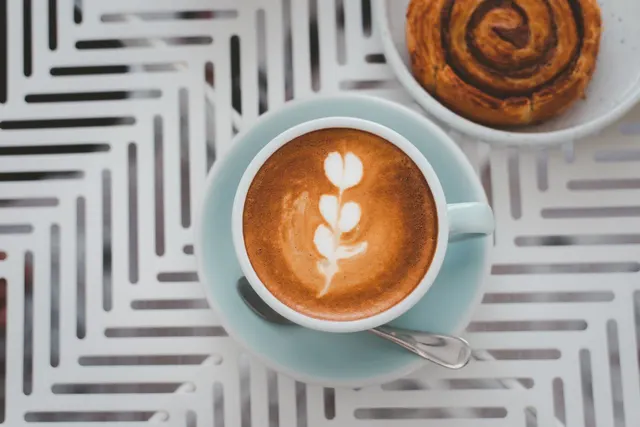
Sourdough, day 3
Starter doubled in 6 hours. Feed at 9, bake at 7.
The real app
Above is an example board drawn on this page. Here is Field Notes itself: two Substack posts and a chart are pasted in, then a search for "23 days" brings up the chart, labelled "Text in image", because those words are only inside the picture. Then a group of notes becomes a Substack draft to review. Nothing tagged, nothing sped up.
The words in a screenshot are read by Windows' own text recognition, so your PC needs the Windows OCR language pack for your language.
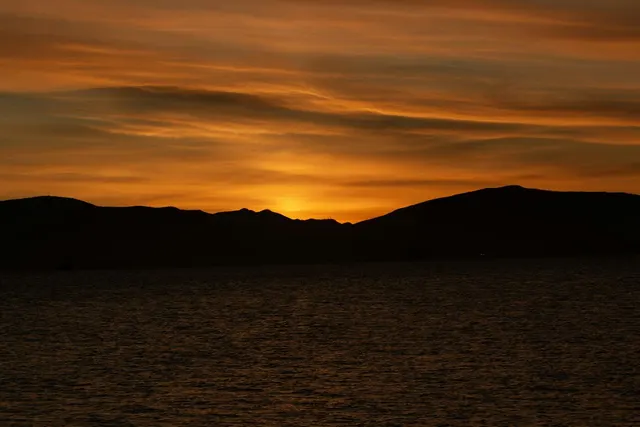
Search also finds photos by what is in them. The sunset photo is two stacks deep, in Travel, then July trip. Type "orange sky" and it comes up, labelled "Matched by image." One click opens both stacks and selects it.
You shouldn't have to label your life to find it.
Search by what a picture shows needs a one-time model download that you start.
One app, any kind of collecting
Each link opens this page with that board on the wall.
No. Your boards live in a folder on your PC, every note is also saved as a Markdown file, and you can export a board as a file.
It is free during the invite-only beta. After launch the plan is a one-time purchase. No price is set yet. Export keeps working even after beta access ends.
A few questions about your PC, so we invite the people it will run well for. Beta news about every two weeks. Unsubscribe in one click.