Image

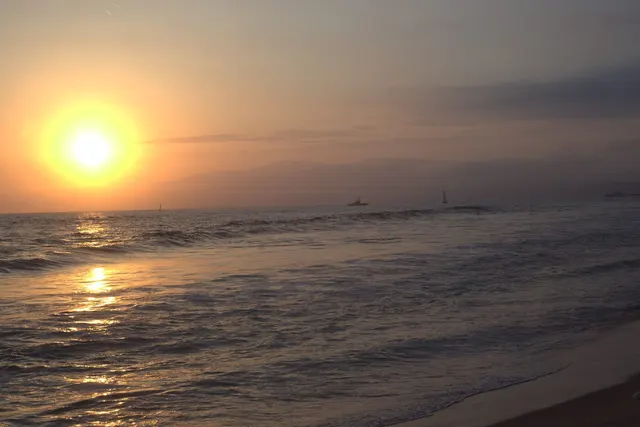
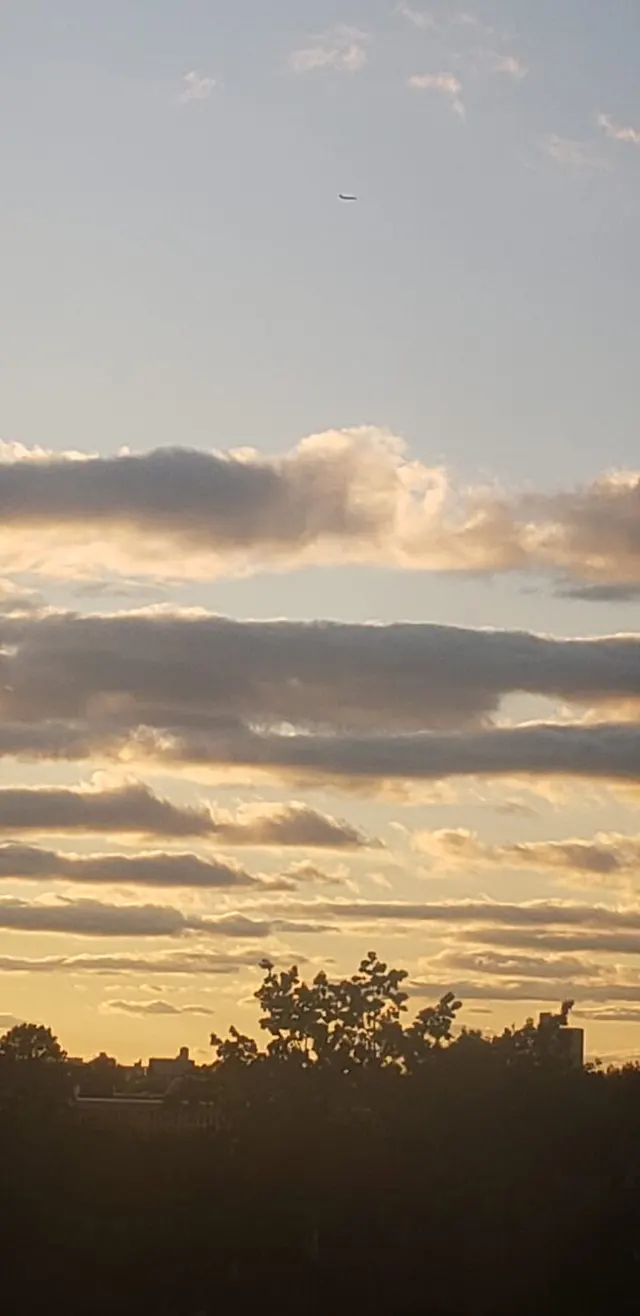
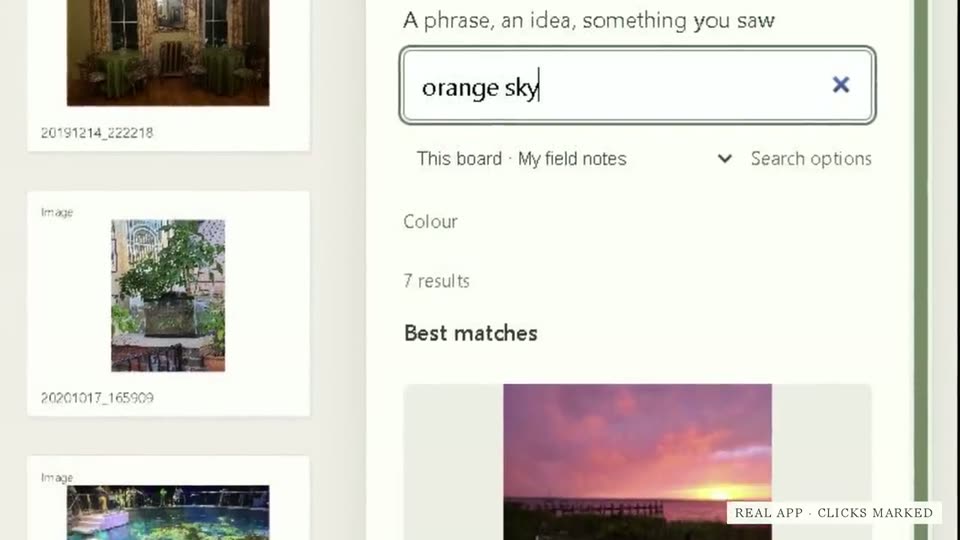
You never tagged it. Type "orange sky" and the sunsets come up.
Built for Windows. Opens RAW, HEIC, EXR and video.
For Windows · Free during the beta
Example board · Light studies
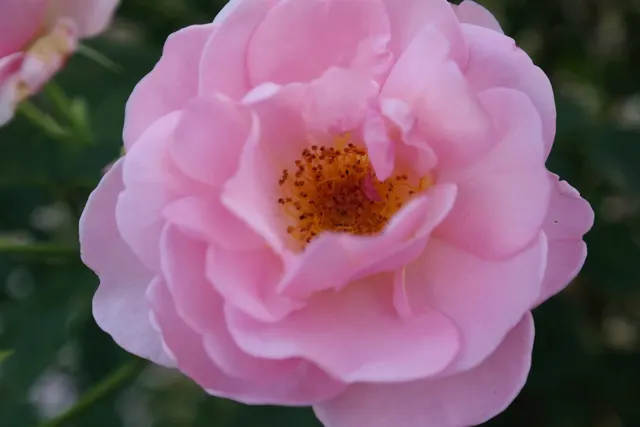
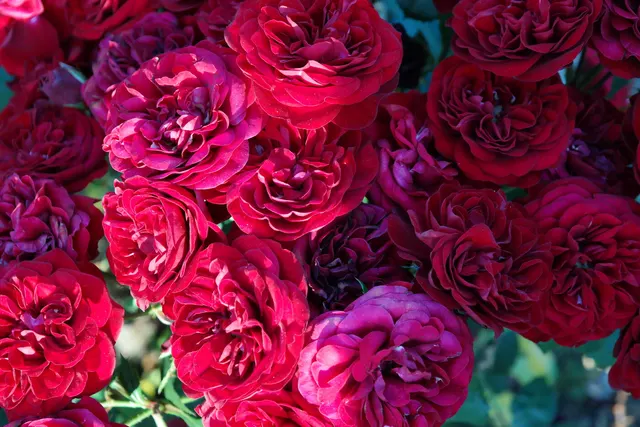
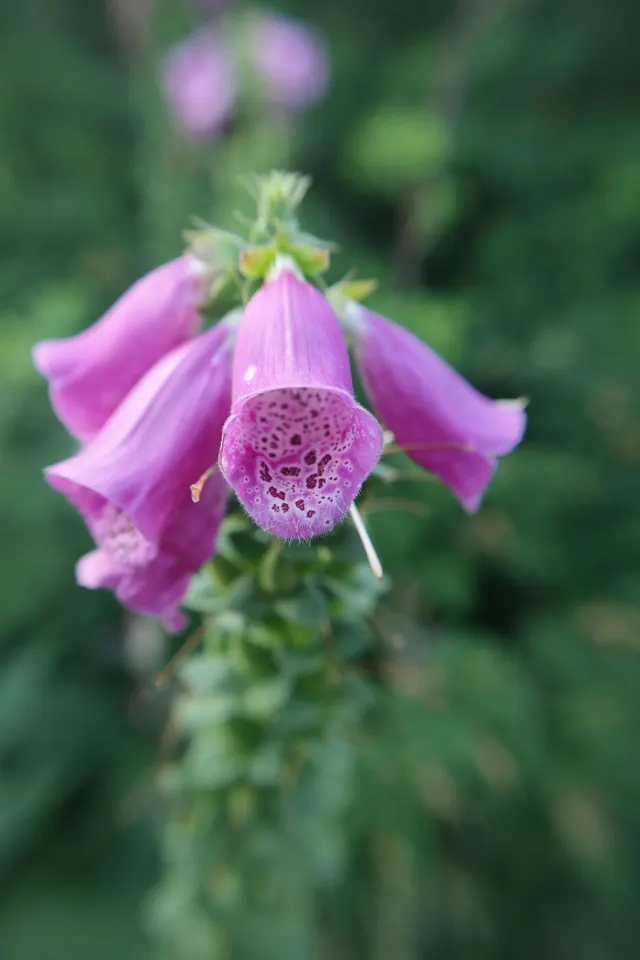
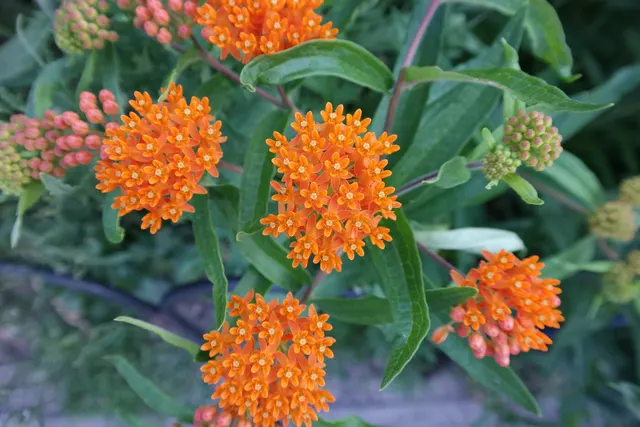
Palette · Still life
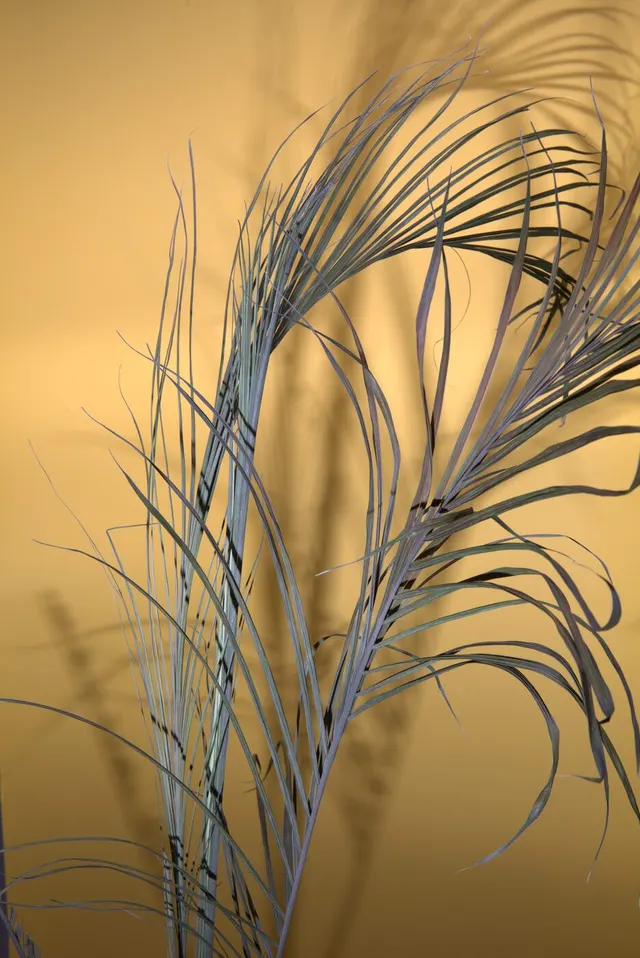
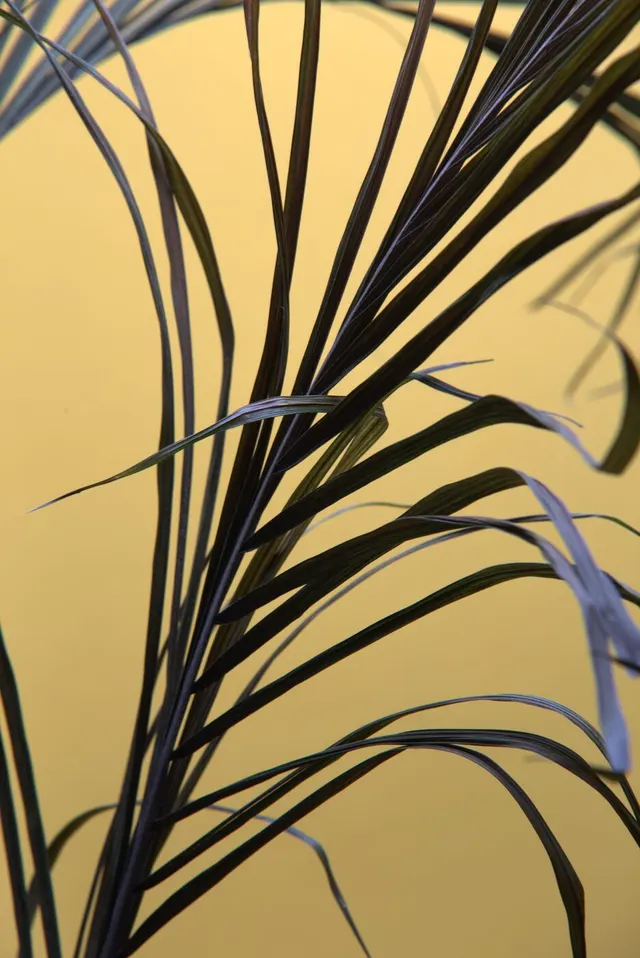
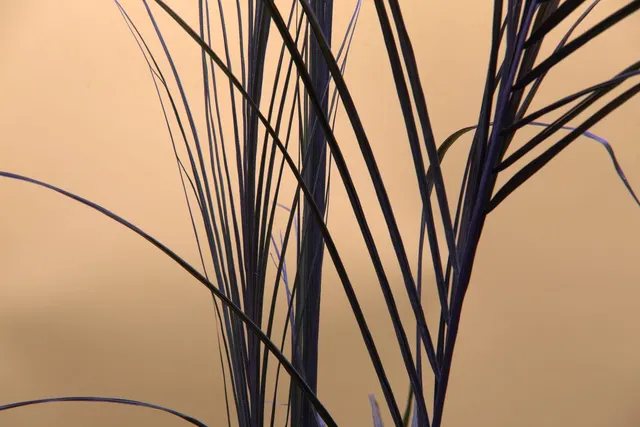

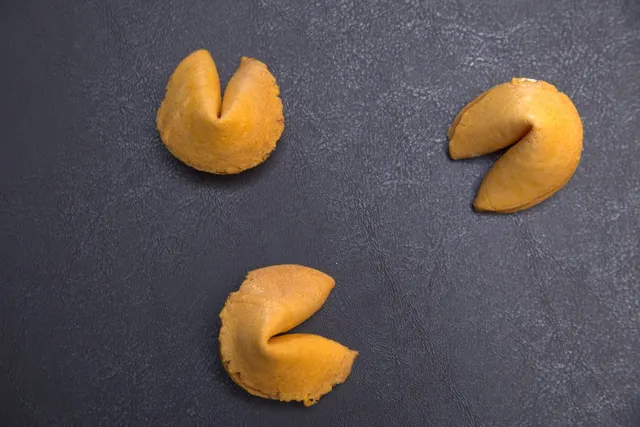
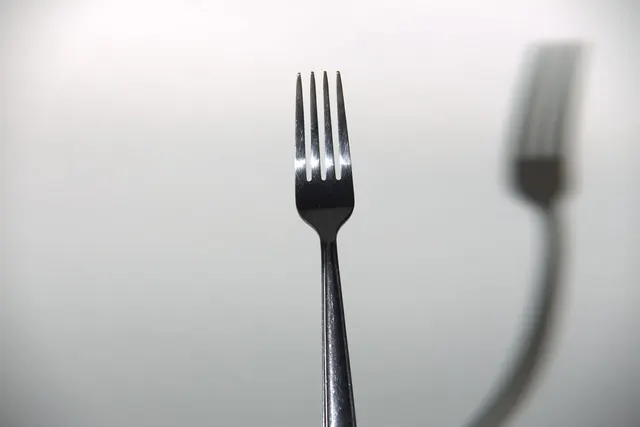
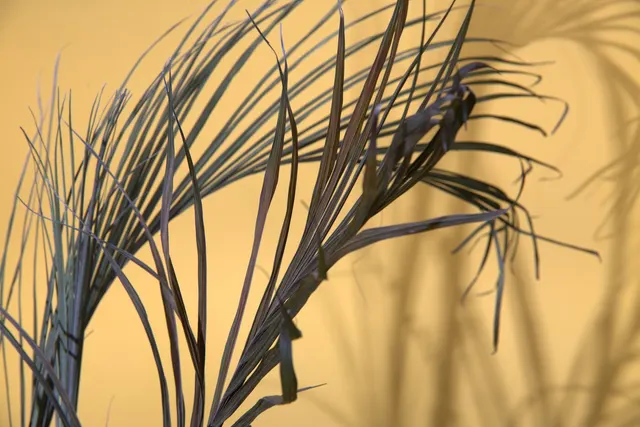
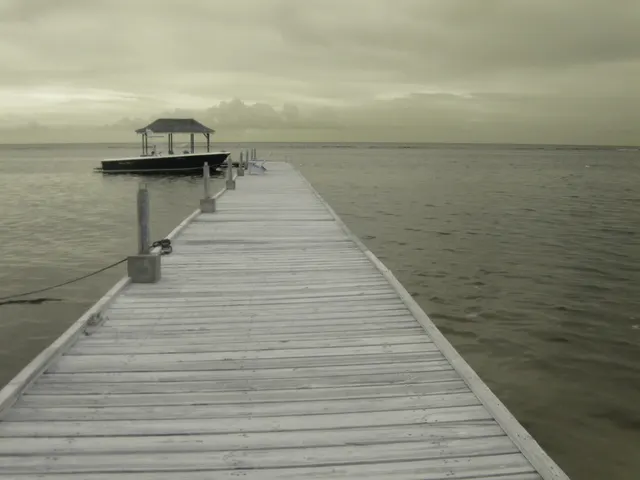
Saturday shoot
Arrive 6:40 for blue hour. Bring the 85 and the grey card.
The real app
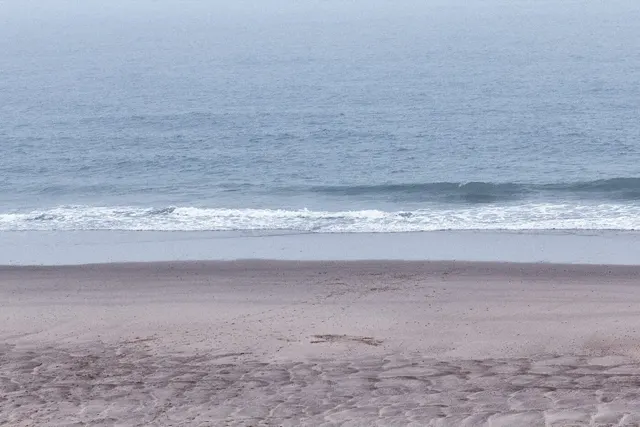
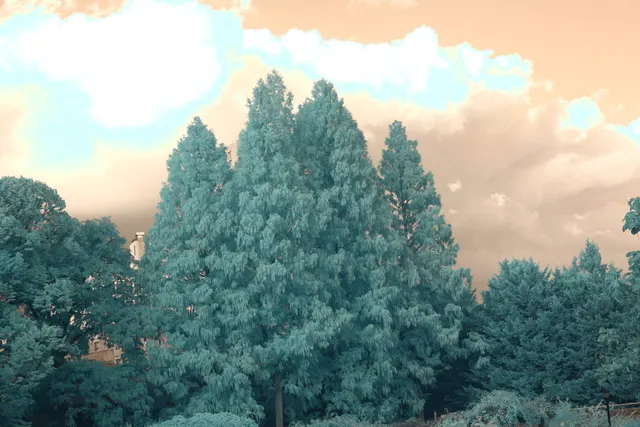
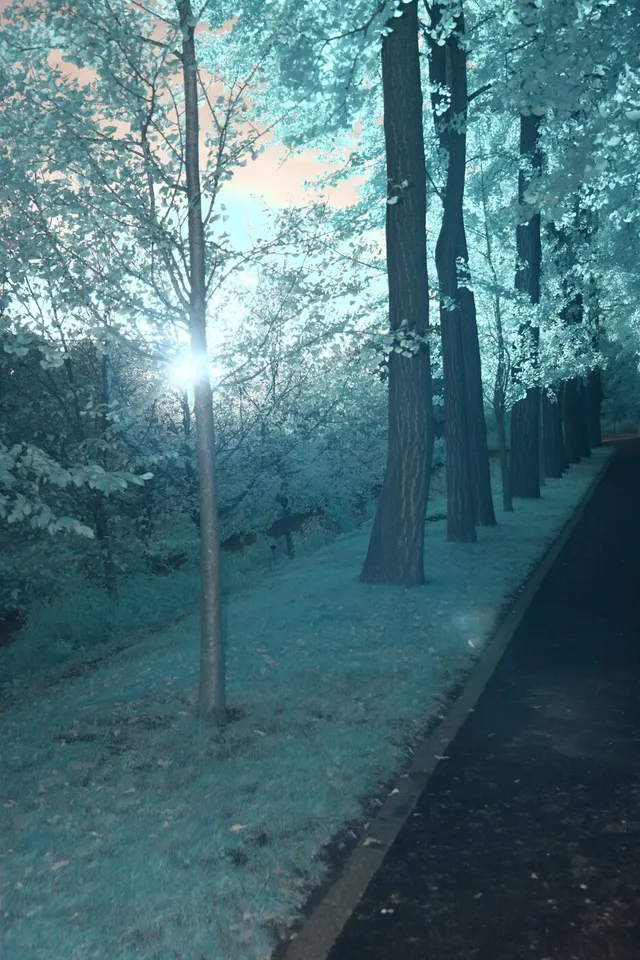
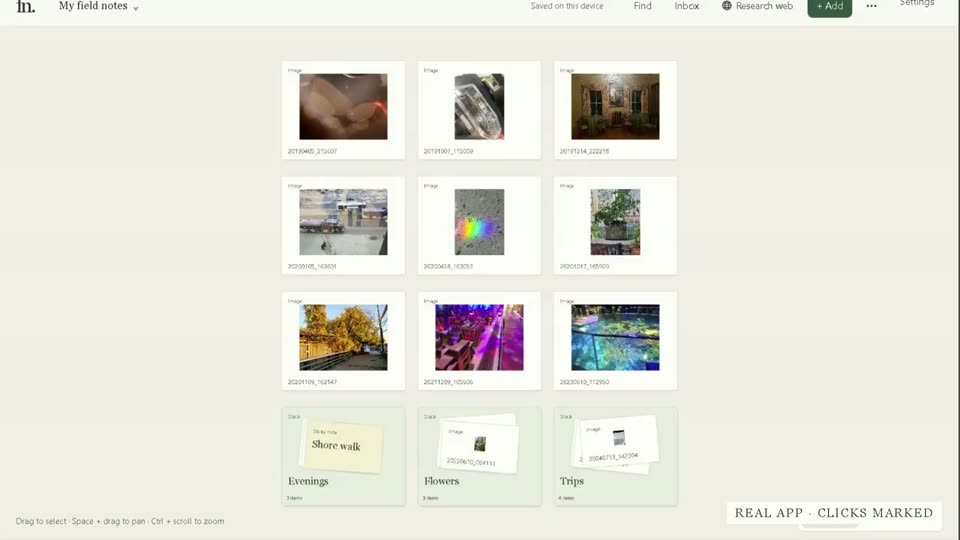
Above is an example board drawn on this page. Here is Field Notes itself: the sunset photo is two stacks deep, in Travel, then July trip. Type "orange sky" and it comes up, labelled "Matched by image." One click opens both stacks and selects it. Nothing tagged, nothing sped up.
Example
You type "orange sky" and they come up. You pick six, compare them side by side, and send a PDF contact sheet.
Without a search that sees what's in the picture, you spend another hour scrolling for a photo you know you saved.
Drop in a folder.
Search by what's in the picture: "orange sky", a word on a sign.
Compare side by side, shortlist, and export a contact sheet as PDF or PNG.
With music · captions in the picture
200 4K images and 20 video cards on one board, about 60 fps on Intel UHD graphics in our benchmark.
A few questions about your PC, so we invite the people it will run well for. Beta news about every two weeks. Unsubscribe in one click.