Image

The couple loved the peonies at the tasting. Type "peonies" and the photo comes up, next to the florist's quote.
For wedding planners and day-of coordinators. Type what you remember and the walkthrough photo, the rental screenshot or the line in your run sheet comes up. No tags.
For Windows · Free during the beta
Example board · June wedding at the barn (example)

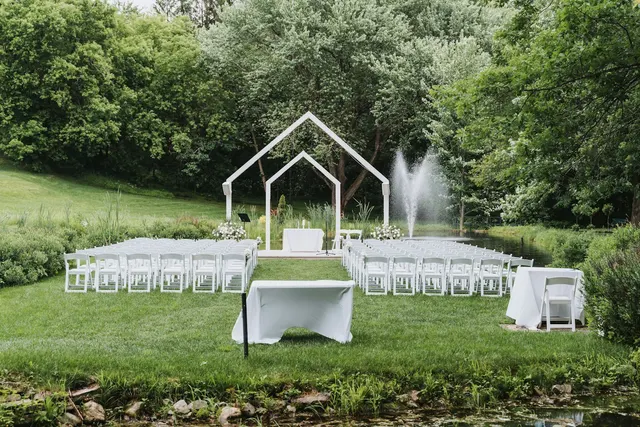
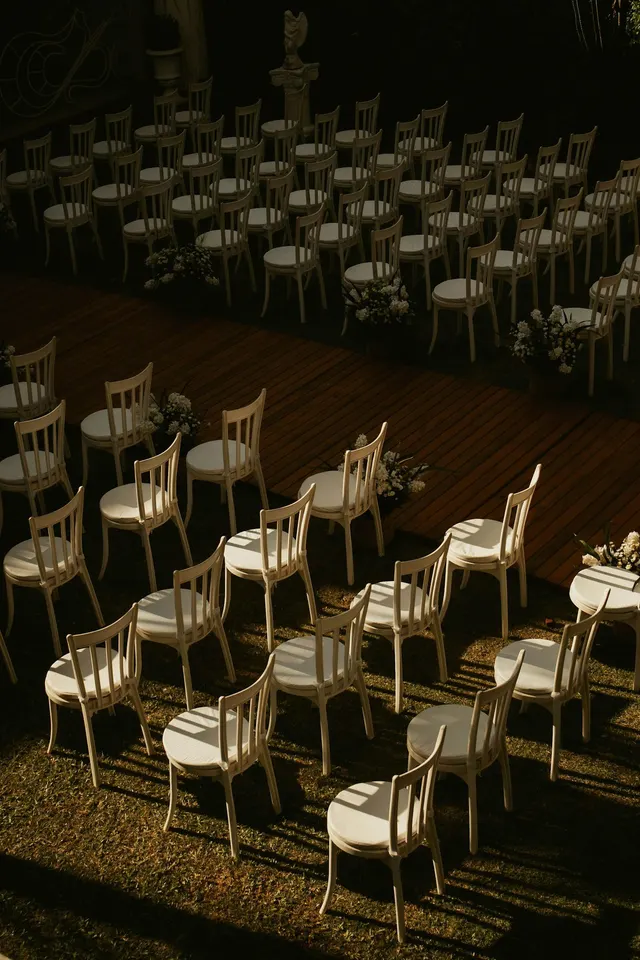
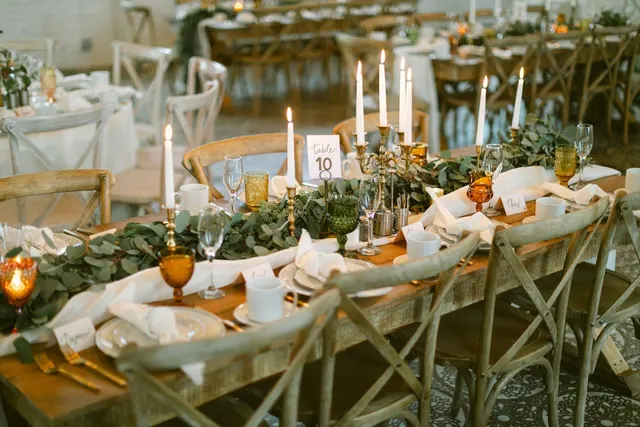
Palette · June
Client brief (example)
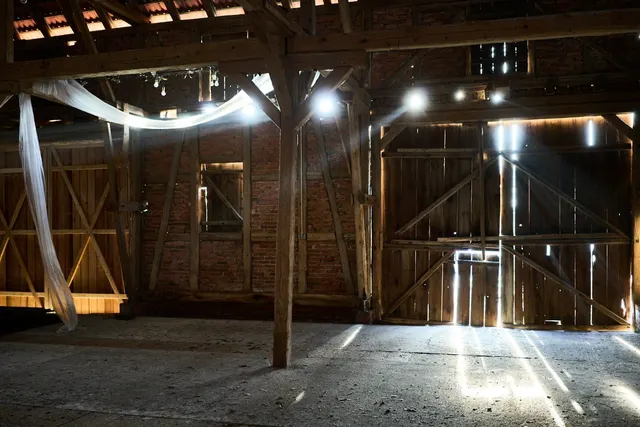
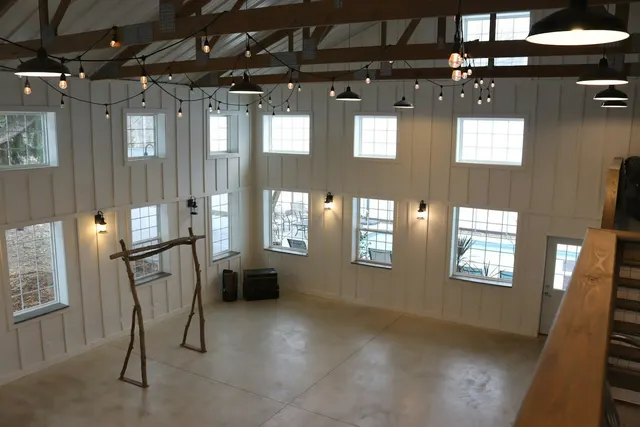
Barn venue, 120 guests, June. Soft pink and white, lots of candles, nothing too formal. She loved the white peony bouquet from the tasting.
Vendor shortlist (example)
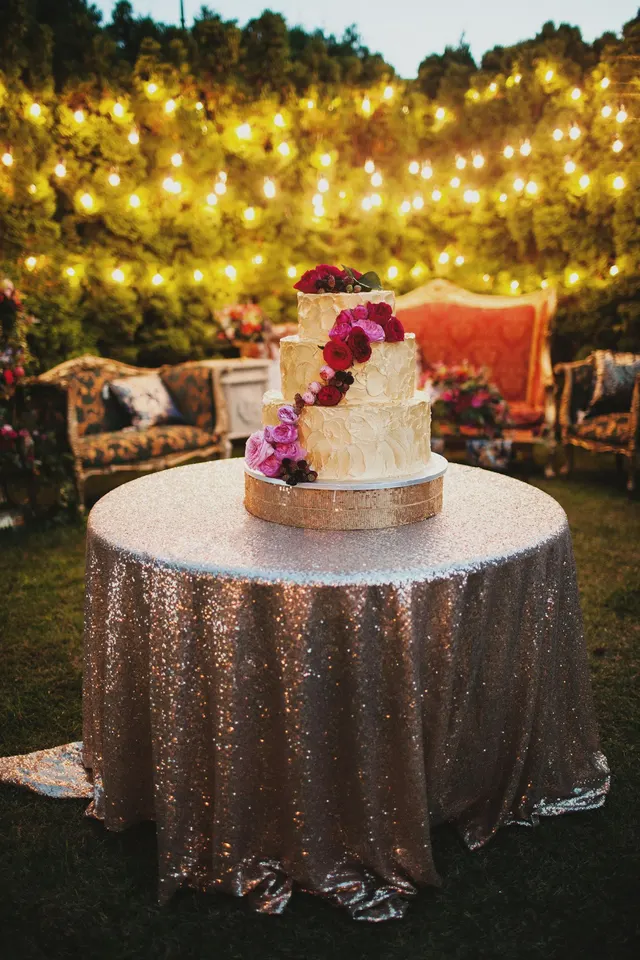
Florist A: peonies and eucalyptus, quote due Friday. Rentals: cross-back chairs or gold chairs, sample linens ordered. Cake: two tiers, on the sequined table.
Day-of run sheet (example)
Saturday, June 13 (example)
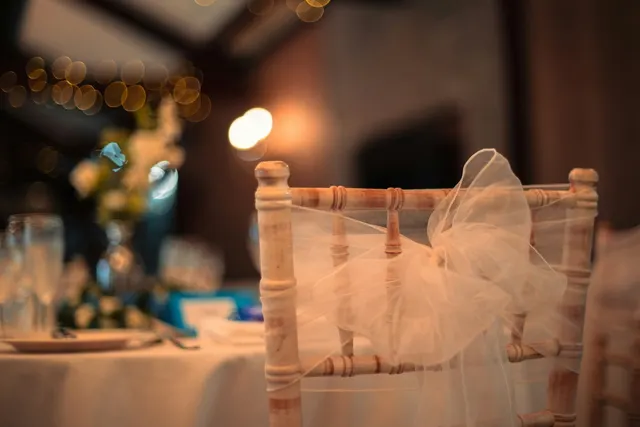
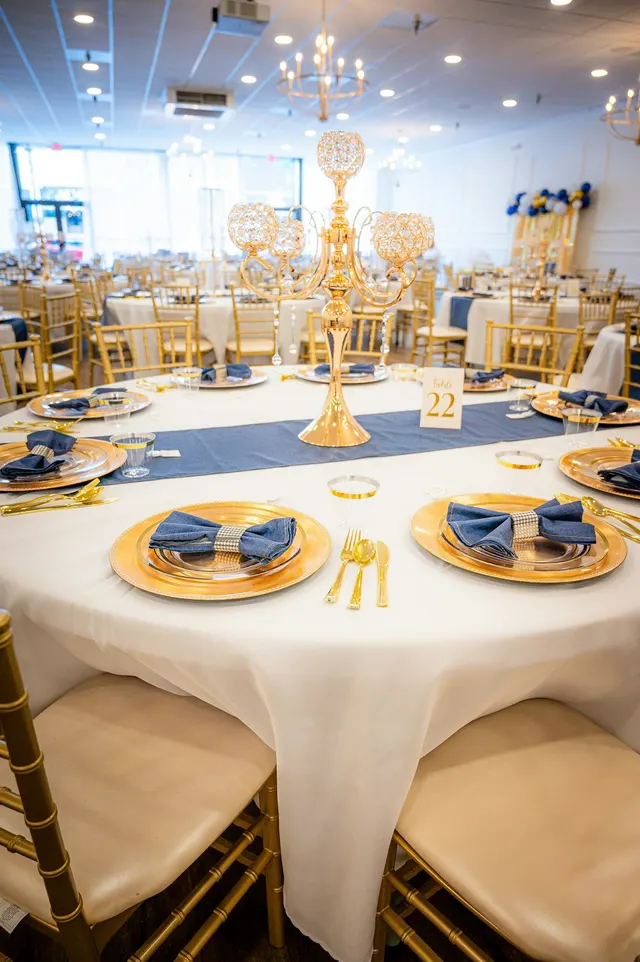
Chiavari chair
The light wooden ballroom chair rented for most receptions.
Paeonia
Peonies: the late-spring flower couples ask for by name.
The vision lives on Pinterest, the client deck in Canva, rental screenshots in Downloads and contracts in Drive. The same wedding, in five places.
Then the couple asks which flowers you showed them in March.
Every step with screenshots from the example board: How to plan a wedding on a Field Notes board.
Field Notes is not a CRM. Keep HoneyBook, Aisle Planner or Dubsado for contracts and invoices. There is no shared client link yet: send the couple a PDF contact sheet.
Your CRM tracks the business. Field Notes holds the pictures and the notes around them: the venue walkthrough, the three linen samples, the florist's peony quote, the run sheet for Saturday.
Clipped web pages keep a full copy on your PC when the page allows it, so a vendor's rental listing still opens after they take it down. How it compares with Milanote, Pinterest and Canva.
Example
It's Thursday before a June wedding. The couple wants to see the flowers again. You type "peonies" and the photo comes up, next to your note with the florist's quote. You add the white peony bouquet she loved, pull a palette from the long table, and send her a one-page contact sheet before lunch.
Two example boards for Field Notes: a wedding day binder (ten sections, from run sheet to rain plan) and a library of venues and vendors. Replace every card marked “(example)” with your own.
It comes with your beta application. Apply below and the download link appears as soon as you send the form.
You need Field Notes on Windows, which is in beta, to open it. The sample photos are credited on the credits page.
Download the starter kit (8.0 MB, zip)
Unzip it. With Field Notes installed, double-click a file ending in .fnboard to open it as a new board. Or in Field Notes, open Board options (or + new board) and choose Import from file.
A few questions about your PC, so we invite the people it will run well for. Beta news about every two weeks. Unsubscribe in one click.
You get the free wedding day binder starter board as soon as you apply.